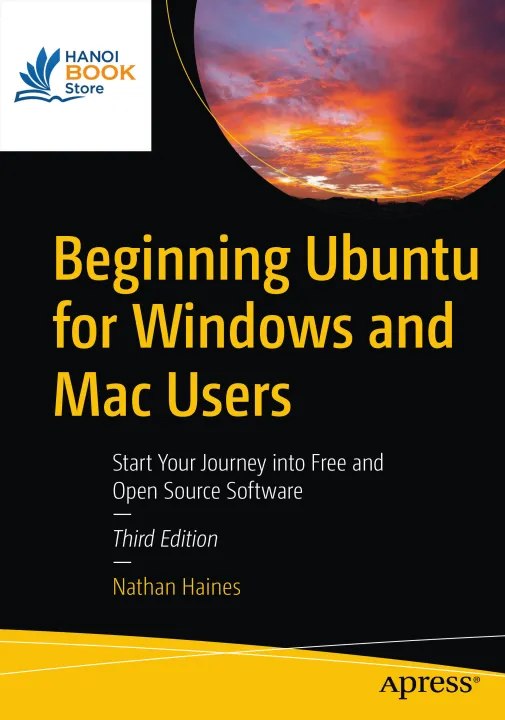
Sách Beginning Ubuntu for Windows and Mac Users 3rd Edition (sách keo gáy, bìa mềm)
Categories:Computers - Programming
Year:2022
Edition:3rd
Language:english
Pages:291
Completely updated for this exciting third edition, Beginning Ubuntu for
Windows and Mac Users will help you start your journey into Free and
Open Source Software with Ubuntu 22.04.1 LTS with GNOME 42. This book is
a friendly guide to installing and running Ubuntu for people who are
already efficient and happy with Windows or macOS computers. It teachers
new Ubuntu users how to navigate their new operating system, perform
basic tasks and suggests specific applications to handle routine tasks.
You'll start by installing Ubuntu and its related “flavors” (Kubuntu,
Ubuntu MATE, etc.) and how they differ from each other. The rest of the
book breaks down application suggestions by broad categories to fill in
gaps in the default installed system, or suggest fun things that the
reader might not have even thought of. The command line is handled after
you are comfortable with the system and ready for something interesting
but different. It's presented as a powerful interface that can either
be approached casually as a unique method of interacting with the
computer, as an occasional tool to use, or as a fun way to get in touch
with an early way of using a computer. A brief look at “power user”
topics gives advice on managing running processes, installing alternate
desktop software, using virtual desktops and creating virtual machines.
It’s a great way to round off the book with starting points for advanced
topics that are more specialty topics. An appendix describes the Ubuntu
release schedule, naming, and timing. The book is designed to function
as a “travel guide” to Ubuntu, offering both a scenic tour through some
of the great software in Ubuntu in a practical “here’s what you can do
with this” style as well as a comprehensive reference guide that the
reader can return to over and over to learn how to accomplish specific
tasks. What You'll Learn Understand the advantages of Ubuntu and its
variants—Kubuntu and Xubuntu Install Ubuntu on its own or alongside your
computer's existing operating system Search Ubuntu's catalog of
thousands of applications Work with files and disks that were created
with Windows and OS X Run simple, interesting tasks and games using the
command line Customize Ubuntu in powerful ways and get work done with
virtual machines Who This Book Is For Beginning to intermediate computer
users with Windows 7 or OS X or later experience